

ComplyAssistant – Best Overall HIPAA Compliance Platform for Healthcare Organizations
ComplyAssistant has earned its reputation as the top overall HIPAA compliance tool due to its 360° approach. The software provides healthcare organizations with a unified, risk-based framework to address all the core demands of the HIPAA Security Rule. The main strength lies in how it integrates policy management with comprehensive risk analysis and incident management tools. It systematically guides organizations through the required administrative, physical, and technical safeguards, ensuring a structured and auditable process for managing the entire security lifecycle. This methodical system is essential for proving due diligence to auditors and protecting electronic protected health information (ePHI) across complex healthcare environments.
ComplyAssistant excels in embedding compliance into daily workflows. This is a key differentiator that industry experts emphasize. The platform automates the tracking of evidence for required controls,, and provides centralized oversight of Business Associate compliance. This proactiveness to not only identify gaps but also to manage and document remediation efforts in a single system of record significantly reduces the administrative burden on compliance officers. By transforming HIPAA from a periodic audit into a continuous, manageable program, ComplyAssistant helps healthcare organizations to achieve and, more importantly, maintain a state of ongoing compliance, directly reducing the risk of breaches and penalties.
Who ComplyAssistant is Best For
ComplyAssistant is ideally suited for compliance officers, privacy officers, and IT leaders within hospitals, multi-facility health systems, long-term care networks, and MSPs serving the healthcare industry. The platform is uniquely scalable, effectively supporting the needs of a single clinic all the way up to a large enterprise health system.
Key HIPAA Features
- Policy and Procedure Management with version control and regulation association
- Risk Analysis and Management that facilitates the required Security Risk Analysis and maintains a centralized risk register
- Incident Tracking with workflow and breach assessment logic specifically for potential HIPAA violations
- Business Associate Management to track vendors, agreements (BAAs), and their associated risk assessments
- Task and Project Management with automated reminders for compliance-related activities
- Reporting and Dashboards that provide oversight for compliance officers and executives on HIPAA program status
Pros & Cons
Pros | Cons |
All in One Platform: Combines policy, risk, incident and vendor management in a single system, eliminating siloed compliance efforts. | Learning Curve: The depth of features, while a long-term benefit, may require initial training for users accustomed to manual processes. |
Structured Approach: Provides a formal framework for conducting the required Security Risk Analysis and maintaining a centralized risk register. | |
Strong Audit Preparedness: Automates the collection of evidence and documentation, creating a clear audit trail for demonstrating HIPAA compliance to regulators. | |
Scalable for Healthcare Enterprises: Effectively supports the complex needs of large, multi-facility health systems and managed service providers (MSPs). |
Scrut Automation – Best for Cloud-Native HealthTech Companies
Scrut Automation is a governance, risk, and compliance (GRC) platform that serves technology-focused healthcare organizations, such as digital health startups, HealthTech SaaS companies, and MSPs with cloud-based infrastructure. It supports HIPAA compliance by automating evidence collection from over 70 integrated cloud services and systems, providing continuous monitoring of the technical safeguards required by the Security Rule. The platform uses a unified control framework, allowing teams to manage HIPAA alongside other standards like SOC 2 and ISO 27001 from a single interface. This is particularly valuable for organizations operating in multi-framework environments.
The system automates the tracking of security controls and can alert teams to failures in real-time, enabling prompt remediation of potential issues affecting electronic protected health information (ePHI). Scrut also includes vendor risk management modules to streamline the process of assessing Business Associates. For cloud-native healthcare entities, this automated approach can significantly reduce the manual effort of audit preparation and support a more dynamic security posture.
Who Scrut Automation is Best For
The platform is well suited for cloud-native HealthTech companies, B2B healthcare SaaS providers, and MSPs that manage healthcare clients and require simultaneous compliance with HIPAA and other security frameworks.
Key HIPAA Features
- Automated evidence collection for technical safeguard controls
- Continuous control monitoring with real-time alerts
- A unified control framework for HIPAA, SOC 2, and ISO 27001
- Vendor risk management for Business Associate oversight
- Custom policy management and employee attestation
Pros & Cons
Pros | Cons |
Efficient for Multi-Framework Compliance: Manages HIPAA, SOC 2, and ISO 27001 in one place, reducing duplicate work. | Less Healthcare-Specific Guidance: The platform is a general GRC tool; it lacks the specialized, healthcare-centric workflow guidance of a dedicated HIPAA platform. |
Strong Cloud Service Automation: Extensive integrations ease evidence gathering for cloud-based ePHI environments. | |
Real-Time Visibility: Offers immediate insight into the status of security controls. |
User Review
A Scrut Automation user, an officer at a small healthcare business, shared on G2:
“Scrut Automation makes compliance simple and fast. I like how it automates evidence collection, maps controls easily, and gives clear visibility across frameworks. The dashboard is intuitive and saves a lot of manual effort.”
Drata – Best For Continuous Control Monitoring
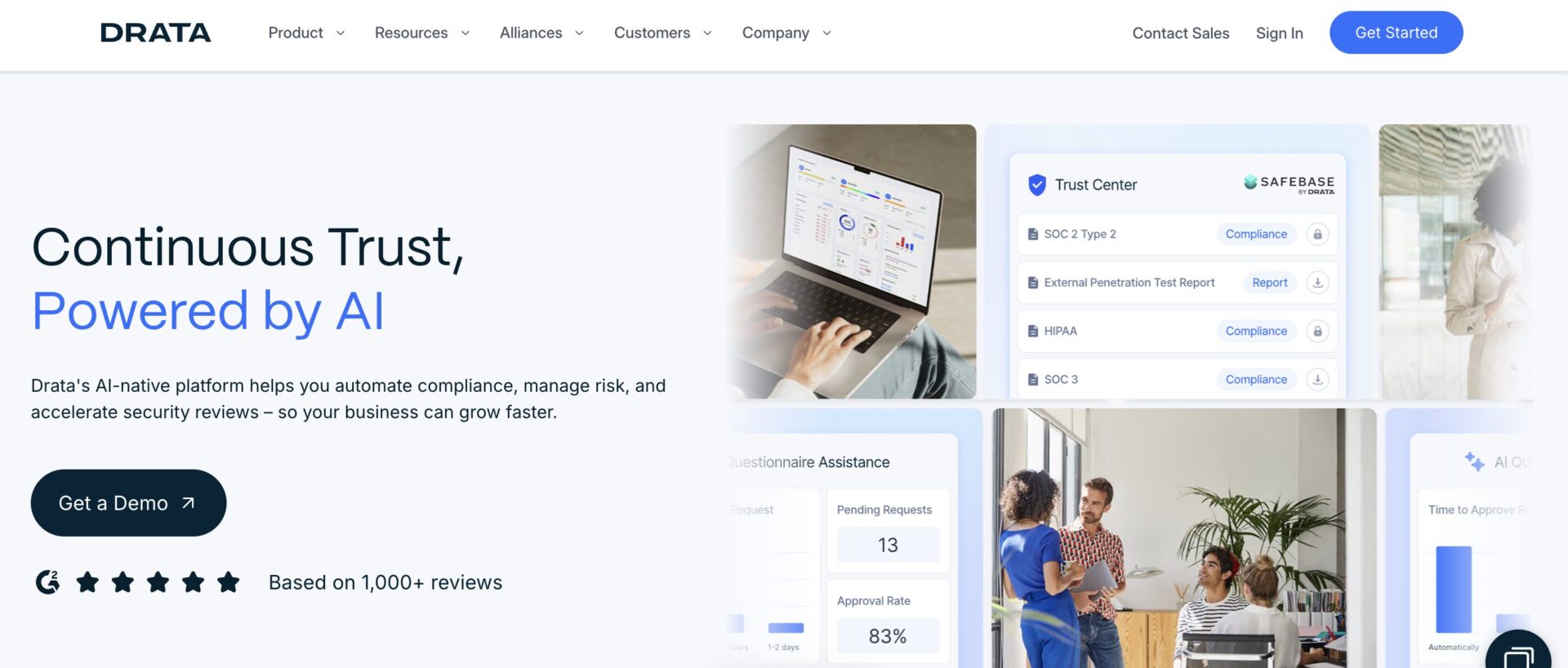
Drata is a security compliance platform that uses automation to help organizations, including those in healthcare, prepare for audits like SOC 2 and HIPAA. Its core strength is continuous control monitoring and automated evidence collection from a wide array of integrated systems, such as cloud infrastructure, identity providers, and HR platforms. This provides a continuous view of a healthcare organization’s security posture as it relates to HIPAA technical safeguards. Drata’s workflow guides users from initial control implementation to auditor-ready reporting, and it includes features for policy management and employee security training.
While Drata supports HIPAA, its foundational framework is SOC 2. The platform maps SOC 2 controls to HIPAA requirements, which can be an effective path to compliance, especially for technology-driven healthcare providers or MSPs that already use or need a SOC 2 report. The automated evidence collection can create a strong audit trail for demonstrating the ongoing protection of ePHI.
Who Drata is Best For
The platform is the right choice for technology-enabled healthcare providers, Health IT companies, and MSPs that value high automation for evidence collection and may be pursuing or maintaining both SOC 2 and HIPAA compliance.
Key HIPAA Features
- Continuous, automated evidence collection for security controls
- Pre-mapped HIPAA requirements within its control framework
- Security awareness training integration
- Vendor management features for Business Associates
- Real-time dashboards showing compliance status
- Pre-built policy templates
Pros & Cons
Pros | Cons |
High Degree of Automation: Streamlines evidence gathering for HIPAA technical safeguards. | SOC 2 as a Foundation: The platform’s structure is built around SOC 2, so the HIPAA implementation may feel secondary compared to a dedicated HIPAA solution. |
Strong Integration Ecosystem: Connects with many common IT and cloud systems. | Potential for Gaps: Organizations must carefully verify that all HIPAA-specific administrative and physical safeguards are fully addressed beyond the automated technical controls. |
Clear Audit Trail: Automatically generates documentation for security control reviews. |
User Review
A Drata user, an officer at a small healthcare business, shared on G2:
“Drata has taken what used to be a complex, manual process and turned it into a seamless, automated workflow. The integrations with HR systems, cloud providers, and security tools (like Google Workspace, AWS, and Jira) make evidence collection nearly effortless. I particularly love the continuous monitoring feature — it gives real-time visibility into control status and alerts when something falls out of compliance.”
Secureframe – Best for Smaller Healthcare Organizations
Secureframe simplifies the process of achieving and maintaining security compliance, including HIPAA. The platform educates users on the necessary requirements and automates the verification of security controls. It connects to an organization’s cloud infrastructure and other systems to gather evidence automatically, helping to demonstrate the implementation of HIPAA’s technical safeguards. Secureframe offers guided workflows to help organizations get audit-ready, supported by access to compliance experts.
The platform provides a library of pre-built policies that can be customized for HIPAA and includes training modules to support employee security awareness. Its vendor management feature assists in overseeing Business Associates. Secureframe positions itself as an accessible solution for companies seeking a straightforward path to compliance, making it a candidate for smaller healthcare practices or startups that may lack large, dedicated compliance teams.
Who Secureframe is Best For
The platform is ideal for emerging digital health companies, smaller healthcare clinics, and MSPs new to the compliance process that desire a user-friendly platform with guided workflows to achieve HIPAA and other certifications.
Key HIPAA Features
- Automated evidence collection and control monitoring
- Guided workflows to prepare for a HIPAA audit
- Customizable, pre-written policy templates
- Employee security training courses
- Vendor risk management for Business Associates
- Direct access to compliance expertise for guidance
Pros & Cons
Pros | Cons |
User-Friendly Approach: The interface and guided processes are built for ease of use. | Simplified Framework: The simplification may not address the full depth of complexity required by large, multi-facility health systems. |
Efficient Setup: Pre-built policies and templates can accelerate the initial compliance setup. | |
Access to Expert Guidance: Includes support from compliance professionals. |
User Review
A Secureframe user, a manager at Billor, shared on G2:
“Secureframe is a go-to tool, organizing our compliance tasks into one place. At Billor, our fintech-logistics setting means we handle sensitive client data for freight management and truck ownership programs. Secureframe’s dashboards enable me to keep track of audit progress and task assignments across teams with ease. I like how the automated notifications and checklists minimize manual follow-ups, keeping everyone aligned.”
ComplyJet – Best for Growing SaaS and HealthTech Companies
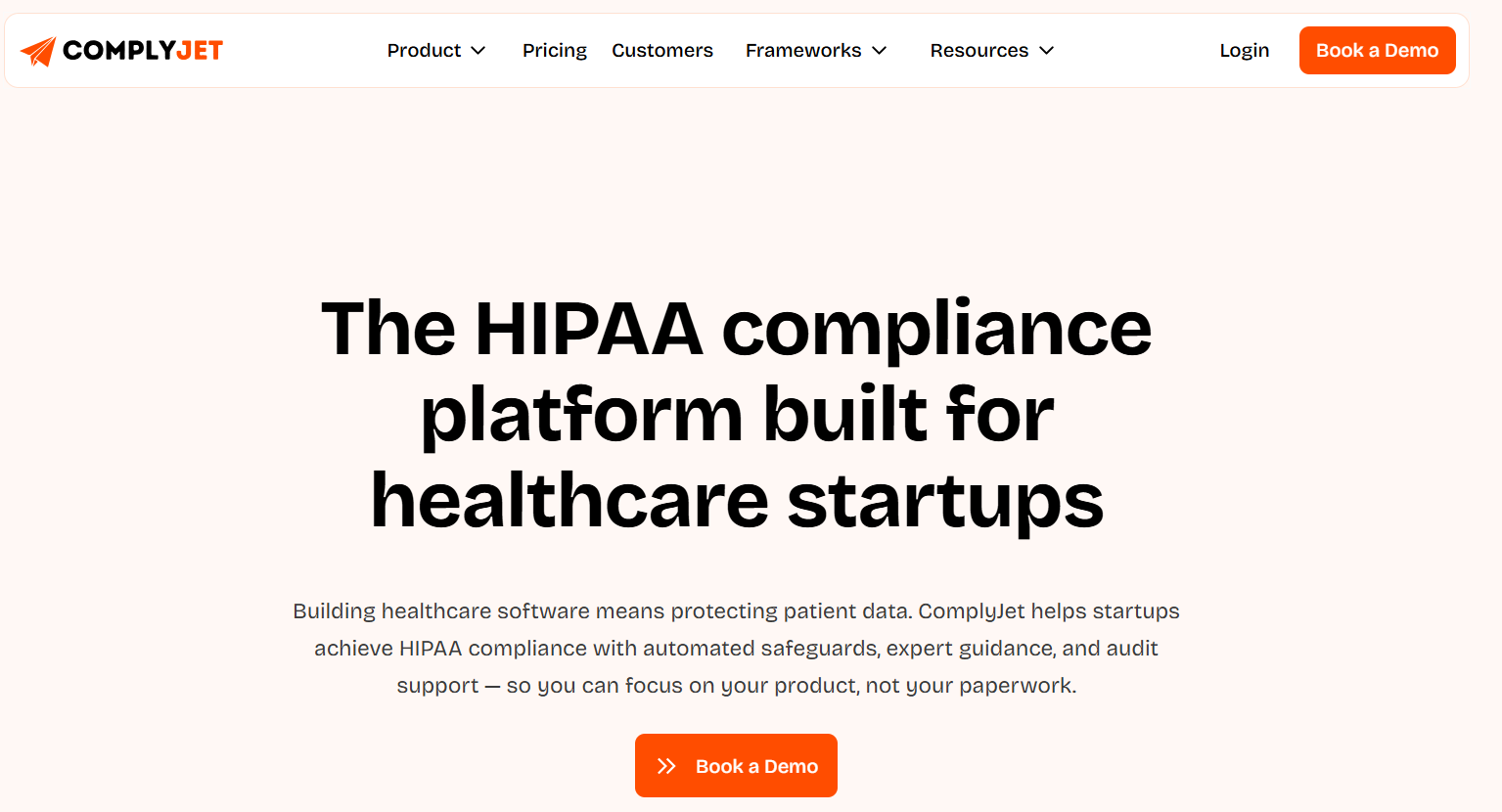
ComplyJet is a compliance automation platform designed for SaaS companies, healthtech startups, and growing organizations that need to manage HIPAA compliance efficiently. The platform brings evidence collection, policy management, risk assessments, compliance monitoring, and audit preparation together in one place. Its automation-first approach helps teams reduce the manual work involved in collecting evidence and maintaining compliance documentation.
ComplyJet is particularly useful for organizations managing multiple compliance requirements. Teams can use the platform to manage HIPAA alongside frameworks such as SOC 2 and ISO 27001, helping avoid duplicated compliance efforts. Its integrations automate evidence collection from the tools companies already use, while centralized dashboards give teams visibility into their compliance status and outstanding tasks.
Who ComplyJet is Best For
ComplyJet is ideally suited for healthtech startups, SaaS companies, healthcare software providers, and growing businesses that handle protected health information (PHI). It is also a practical option for teams looking to manage HIPAA alongside other security and privacy frameworks.
Key HIPAA Features
- Automated evidence collection through integrations
- HIPAA policy and documentation management
- Risk assessment and management
- Employee security and compliance activities
- Business Associate and vendor management
- Continuous compliance monitoring
- Centralized audit evidence and documentation
- Support for multiple compliance frameworks
Pros & Cons
| Pros | Cons |
| Automation: Reduces manual work by automating evidence collection and recurring compliance activities. | Smaller Market Footprint: Has a smaller review base compared with some established compliance platforms. |
| Multi-Framework Support: Helps teams manage HIPAA alongside frameworks such as SOC 2 and ISO 27001. | Initial Setup: Integrations and compliance workflows require some initial configuration. |
| Centralized Platform: Brings policies, evidence, risks, and audit preparation into one system. | |
| Startup-Friendly: Designed to support growing SaaS and healthtech teams managing compliance with limited resources. |
Updox – Best for Secure Patient Communication
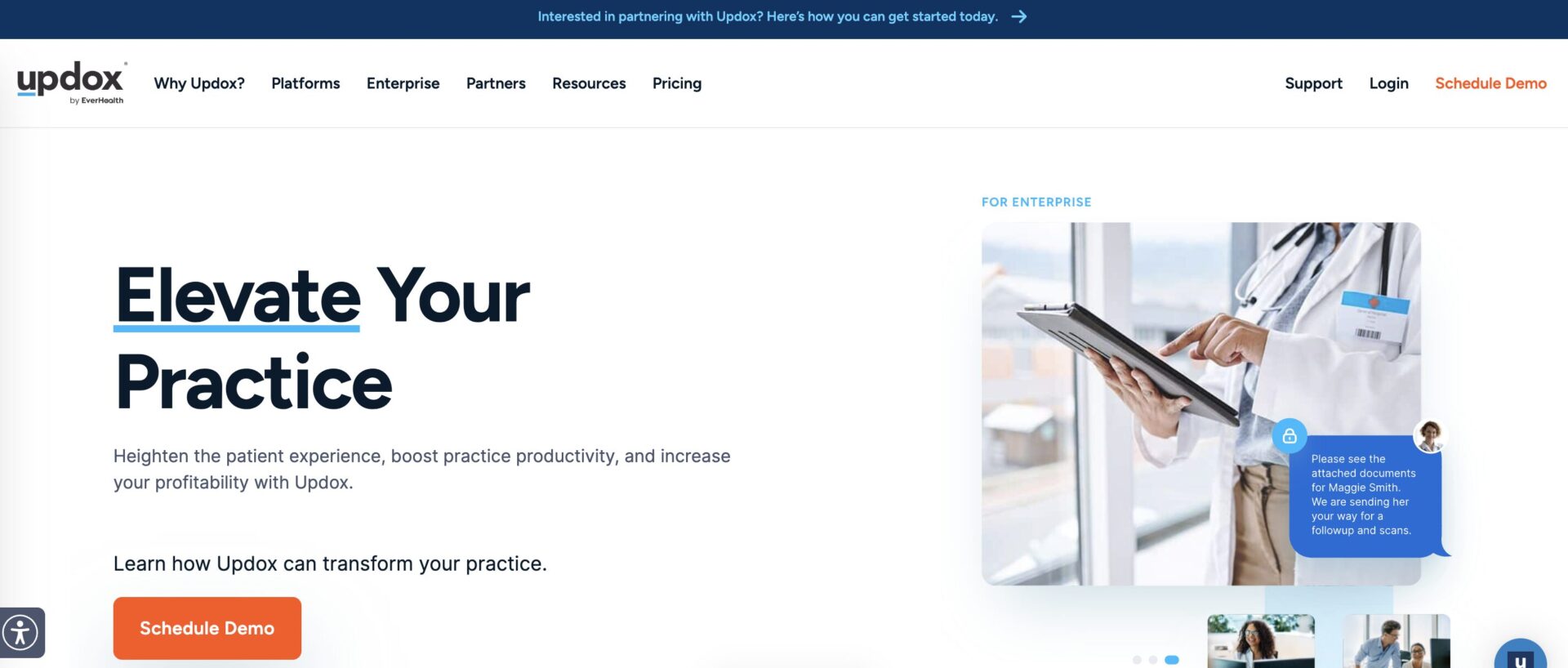
Updox is a unified platform that integrates directly with over 95 major EHR systems to streamline patient communication and administrative workflows. Its core strength lies in providing HIPAA-compliant solutions for faxing, secure messaging, patient portals, and telehealth.
By centralizing these communication channels, Updox helps healthcare providers eliminate common risks like misdirected emails or paper faxes, ensuring that protected health information (PHI) is shared securely. The platform is designed to enhance patient engagement while embedding compliance directly into daily clinical and administrative interactions.
Who Updox is Best For
Updox is ideal for ambulatory care centers, private medical practices, and community hospitals seeking to modernize patient communication and reduce administrative burdens without compromising HIPAA security.
Key HIPAA Features
- Secure, EHR-integrated faxing and document management
- Encrypted patient messaging and patient portal
- HIPAA-compliant telehealth video conferencing
- Automated patient intake and form collection
- Audit trails for communication and document access
Pros & Cons
Pros | Cons |
Deep EHR Integration: Seamlessly connects with major electronic health records, reducing dual data entry. | Limited Broader Compliance Scope: The tool is focused on communication security, not a full HIPAA risk management platform. |
Unifies Workflows: Combines fax, message, portal, and telehealth in a single, secure environment. | |
Enhances Patient Experience: Offers modern, convenient communication channels that are also compliant. |
User Review
An Updox user, a manager at a healthcare organization, shared on G2:
“Updox’s interface and integration with our EHR (Practice Fusion) is so easy and intuitive. As a medical office, we were getting so many redundant faxes, were wasting a ton of paper, and most importantly were wasting a ton of time getting faxes, scanning them, then moving into patient files. With Updox, one click and a fax is moved into a patient file. Makes everyone life so much easier, and we save a ton of money on paper.”
TrueVault – Best for Digital Health Developer Compliance
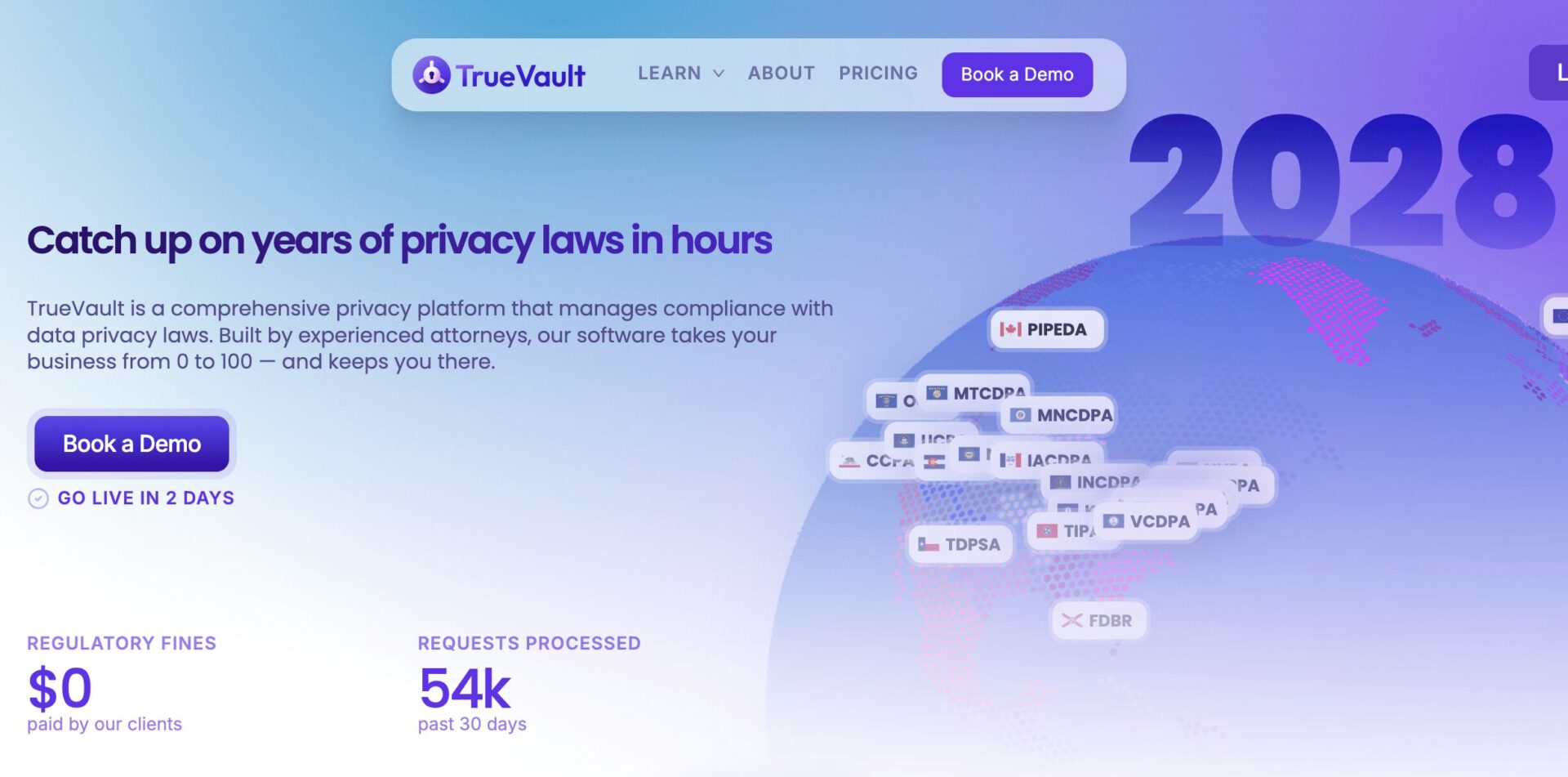
TrueVault provides a developer-centric approach to HIPAA compliance, primarily through its APIs and data storage solutions. It is built for digital health companies that handle protected health information (PHI) within their applications. The platform offers a managed database service that is pre-configured for HIPAA compliance, handling encryption, access controls, audit logging, and data storage requirements. This allows development teams to focus on building their application’s core features while outsourcing the complex technical safeguards and infrastructure security to TrueVault’s specialized platform.
Who TrueVault is Best For
TrueVault is built for digital health startups, mobile health app developers, and software engineering teams that need to embed HIPAA-compliant data storage and security directly into their products.
Key HIPAA Features
- HIPAA-compliant managed database and API
- Built-in encryption, access logging, and audit trails
- User authentication and authorization controls
- Automated data processing agreements (BPAs)
- Streamlined patient data rights management
Pros & Cons
Pros | Cons |
Developer-First Design: APIs and SDKs make it easy to integrate compliance into application code. | Narrow Operational Focus: Specializes in data storage and security, not broader policy or risk management. |
Strong Technical Safeguards: Provides a strong foundation for encryption, access, and audit controls. | |
Enhances Patient Experience: Offers modern, convenient communication channels that are also compliant. |
User Review
A Vanta user, an executive at a mid-size organization, shared on the company’s official site.:
“Our experience with TrueVault has been great. We set up our account in about an hour, and the thoroughness of the platform gives me confidence in our data map.”
Axcient – Best for Data Resilience and Business Continuity
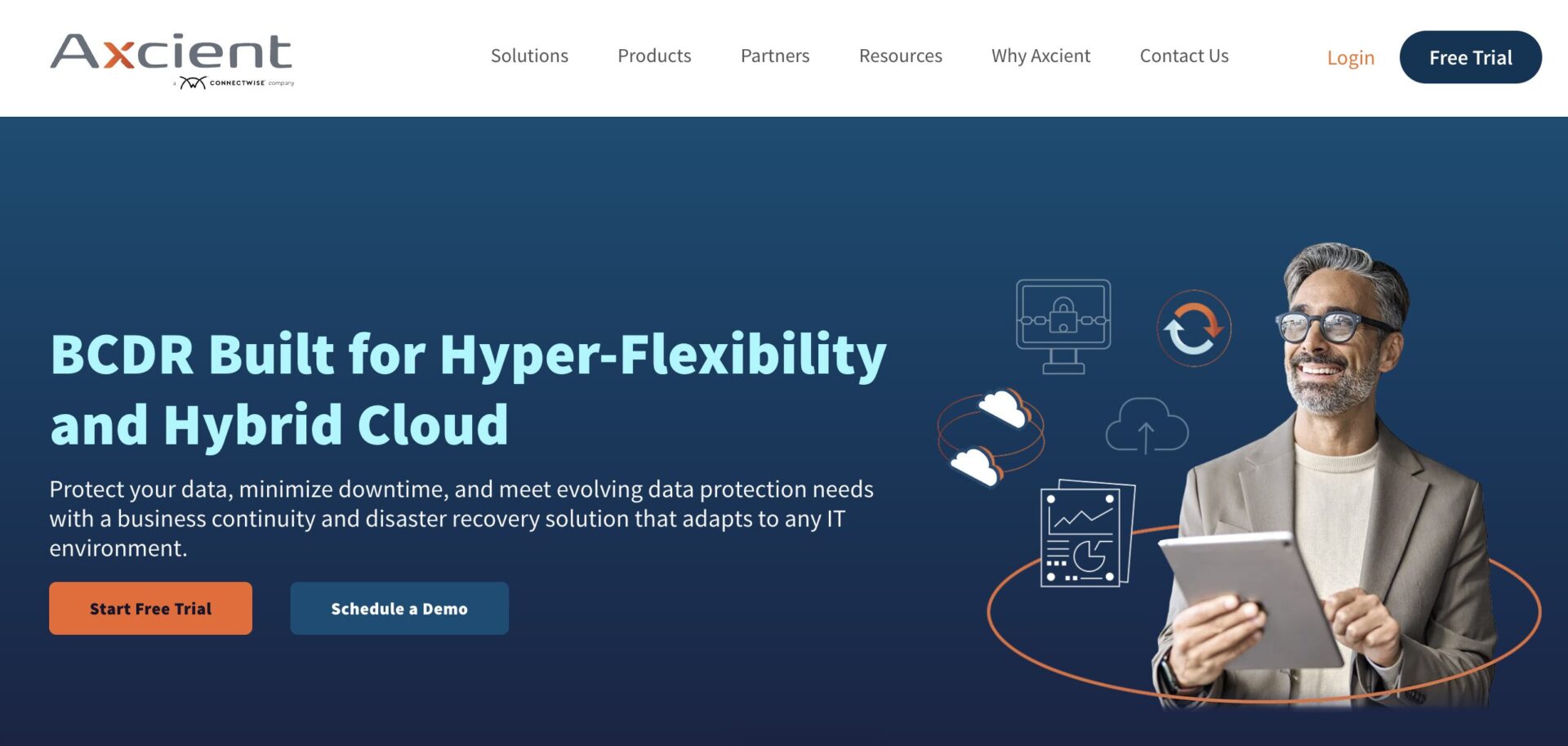
Axcient focuses on an important component of the HIPAA Security Rule: data backup and disaster recovery. Its platform is designed to ensure that healthcare organizations can recover access to electronic protected health information (ePHI) after incidents like ransomware attacks, hardware failures, or natural disasters. By providing reliable, automated backup for important systems and enabling fast restoration, Axcient directly supports the HIPAA requirement for a contingency plan. This capability is fundamental for maintaining patient care continuity and protecting against data loss that could lead to a breach.
Who Axcient is Best For
Axcient is great for medical practices, behavioral health clinics, and MSPs that support healthcare clients and need to ensure the availability and recoverability of patient data.
Key HIPAA Features
- Automated, centralized backup for servers and endpoints
- Direct-to-cloud and local backup options for rapid recovery
- Ransomware detection and recovery tools
- Secure, off-site data vaulting
- Disaster recovery orchestration and testing
Pros & Cons
Pros | Cons |
Strong Ransomware Protection: Specifically designed to combat and recover from modern cyber threats. | Requires Integration: Must be paired with other tools to address privacy, risk analysis, and policy management. |
Ensures Data Availability: Addresses the HIPAA contingency plan standard for data backup. | |
Critical for Business Continuity: Minimizes downtime and data loss, which is essential for patient care. |
User Review
An Axcient user, a manager at a small business, shared on G2:
One of the standout features of Axcient x360Sync is its robust security measures. The platform employs end-to-end encryption to ensure that files are securely transferred and stored, protecting sensitive data from unauthorized access.
Vanta – Best for Automated Security Audits
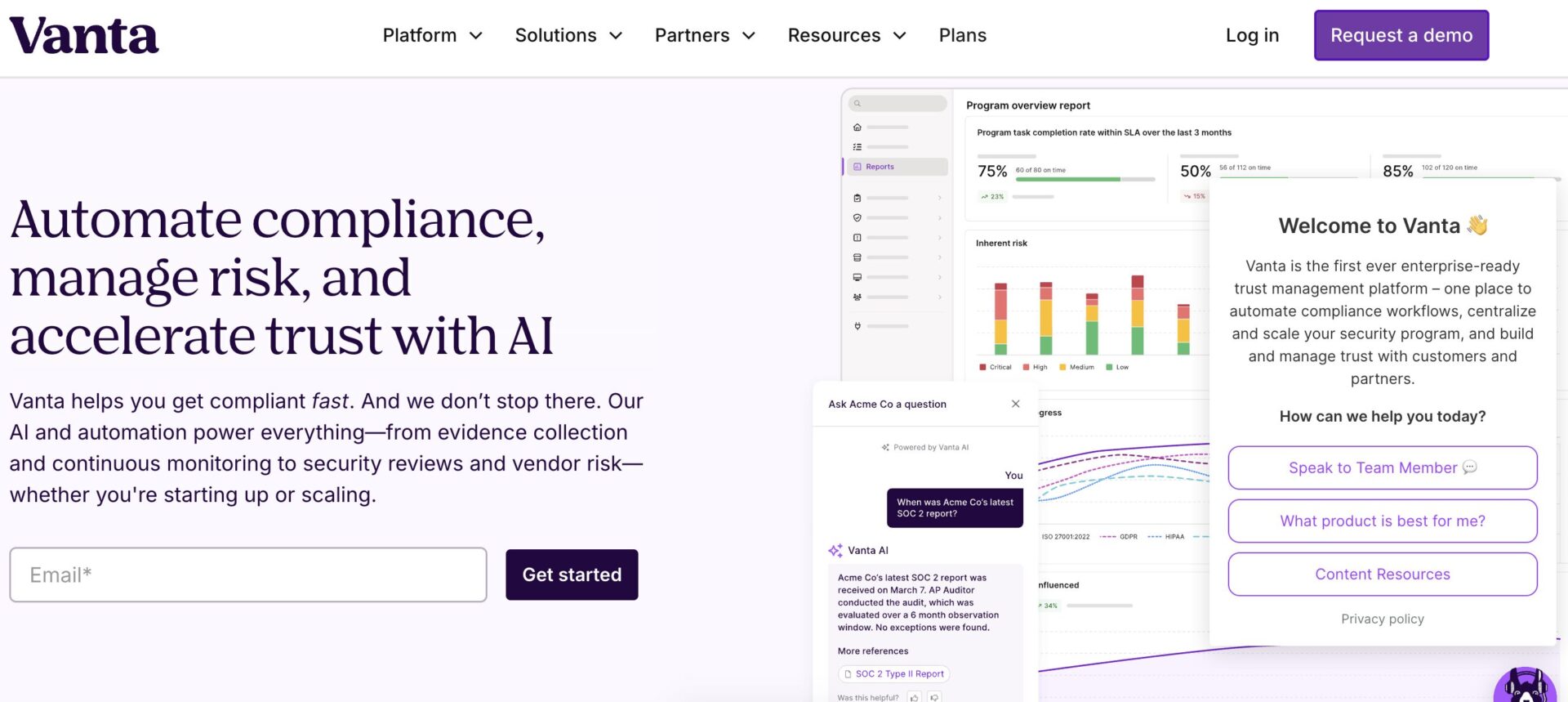
Vanta automates the process of achieving and maintaining security compliance frameworks like SOC 2 and ISO 27001, which it then maps to HIPAA requirements. Its primary function is to continuously monitor an organization’s tech stack through integrations with cloud providers, identity systems, and other tools, automatically collecting evidence for security controls. This creates a live view of the security posture and generates the necessary documentation for audits. For healthcare organizations, this provides a structured, evidence-backed approach to demonstrating the technical safeguards required by HIPAA.
Who Vanta is Best For
Vanta is well-suited for technology-driven healthcare startups, SaaS companies in the health space, and MSPs that need to efficiently prove their security controls for both SOC 2 and HIPAA compliance simultaneously.
Key HIPAA Features
- Automated monitoring and evidence collection for security controls
- Pre-built policy templates customized for compliance standards
- Continuous risk monitoring with real-time alerts
- Vendor management tools for assessing third-party risk
- Employee security training integration
Pros & Cons
Pros | Cons |
Extensive Automation: Reduces the manual effort of evidence gathering for security controls. | Limited Healthcare Focus: Less specialized for healthcare-specific workflows like patient communications or medical records management. |
Strong Integration Ecosystem: Connects with a wide array of common business and cloud applications. |
User Review
A Vanta user, a manager at a mid-size organization, shared on G2:
“What I like best about Vanta is its automated compliance monitoring and evidence collection. The platform streamlined our SOC 2 and ISO 27001 certification process significantly. The intuitive dashboard provides clear visibility into our compliance posture, making gap identification easy.”
Paubox – Best for Seamless Secure Email
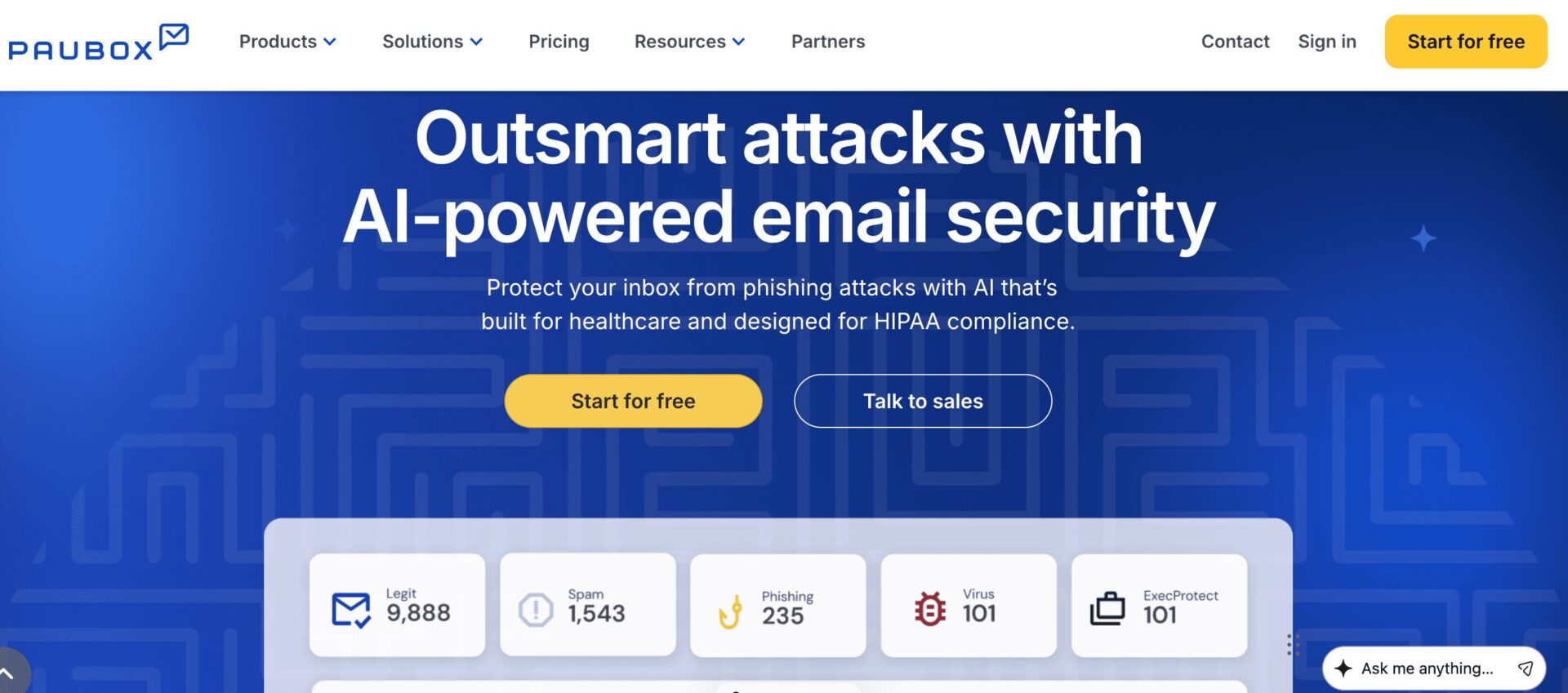
Paubox is built for one primary purpose: to enable HIPAA-compliant email communication without requiring users to change their behavior. It integrates directly with email platforms like Google Workspace and Microsoft 365, encrypting all outbound emails by default and ensuring they are delivered directly to the recipient’s inbox—no portals or password requirements. This approach secures a major communication channel for PHI while maintaining ease of use for both staff and patients.
Who Paubox is Best For
Paubox is ideal for any healthcare provider, from large hospitals to small clinics, that relies on email for patient communication and wants to secure it without disrupting clinical workflows.
Key HIPAA Features
- Default encryption for all outbound email
- Zero-step user experience for senders and recipients
- Robust protection against misdirected emails
- Executable file blocking to prevent malware
- Email archiving to meet retention requirements
Pros & Cons
Pros | Cons |
Frictionless User Experience: Requires no extra steps from senders or recipients to read encrypted email. | Specialized Scope: It is a point solution focused exclusively on email security. |
Automatic Security: Provides strong, default encryption for a high-risk communication channel. | |
Easy Implementation: Can be deployed across an entire organization with minimal training. |
User Review
A Paubox user, a manager at a mid-size organization, shared on G2:
“I like the additional security Paubox provides when it comes to sending emails with PHI. It provides another layer of safety. I really appreciated the attentive customer support during the 14 day trial from Lisa and Shane. It was a pleasant surprise! Lastly, I’m excited to take advantage of Paubox forms and am happy that it is part of my current subscription.”
Jotform – Best for Building HIPAA-Compliant Forms
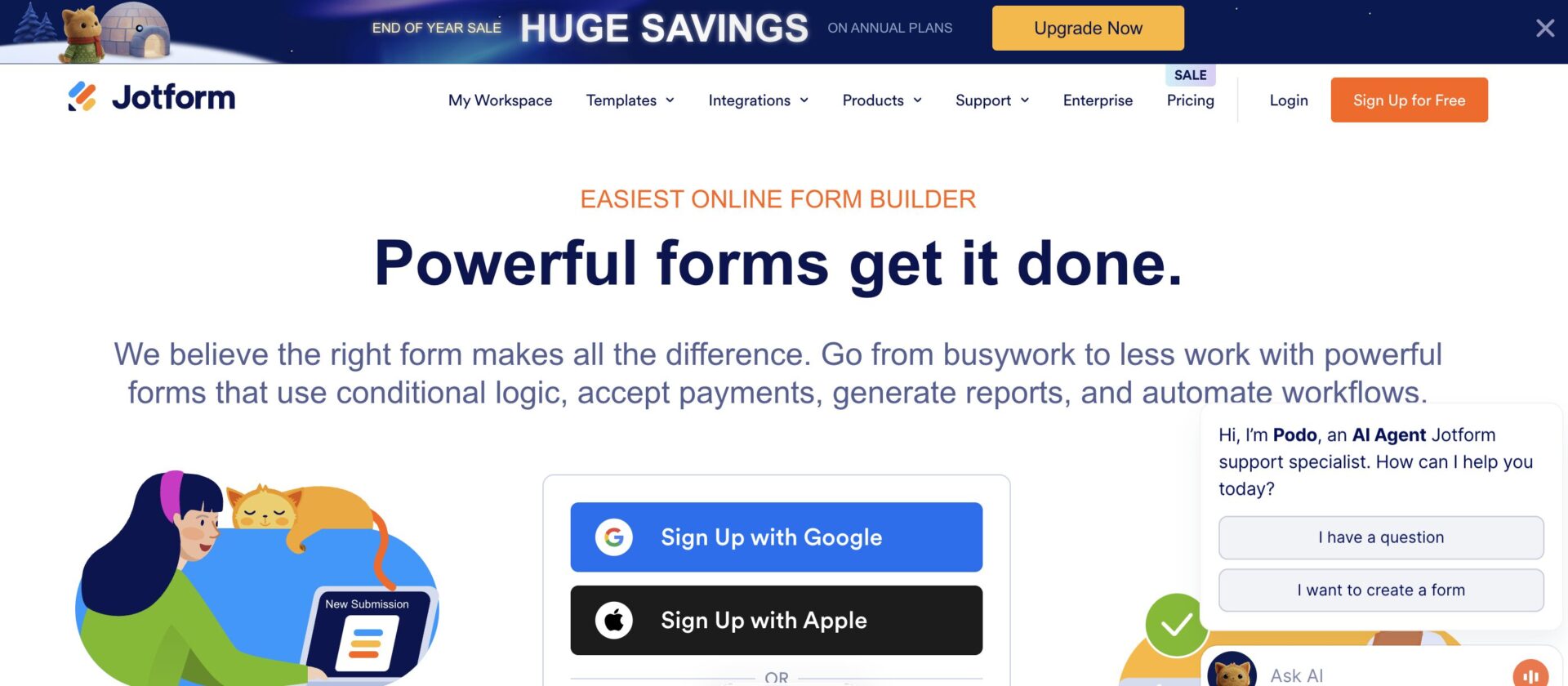
Jotform offers a specialized, HIPAA-compliant version of its popular online form builder. It allows healthcare organizations to create digital forms for patient intake, registration, surveys, and feedback while meeting strict data security and privacy standards. Key features include secure, encrypted data storage, strict access controls, and the ability to sign Business Associate Agreements (BAAs). This enables the digitization of paper-based processes, improving efficiency while keeping PHI collected through forms protected.
Who Jotform is Best For
Jotform HIPAA is designed for medical practices, therapists, and health systems that need an easy-to-use solution for creating secure digital forms to collect patient information.
Key HIPAA Features
- BAA execution for covered entities
- High-grade 256-bit encryption and SSL for data security
- Secure storage space for form data
- Access controls and user permission management
- Compliant form widgets for signatures and payments
Pros & Cons
Pros | Cons |
High Accessibility: Easy for non-technical staff to create and manage secure digital forms. | Separate Subscription: Requires a specific, paid HIPAA-compliant plan distinct from its standard service. |
Replaces Paper Processes: Effectively digitizes insecure paper forms and manual data entry. | Specialized Function: It is strictly for securing form data and not a broader compliance program. |
Additional Features: Includes tools for secure payment collection and e-signatures within forms. |
User Review
A Jotform user, a manager at a mid-size organization, shared on G2:
“Jotform makes it very easy to build and publish forms without any technical background. Drag-and-drop editing, ready-made templates and integrations with email and cloud services save a lot of time in daily work. I especially like how quickly I can create registration forms, collect payments and send automated confirmation emails from one place.”
